
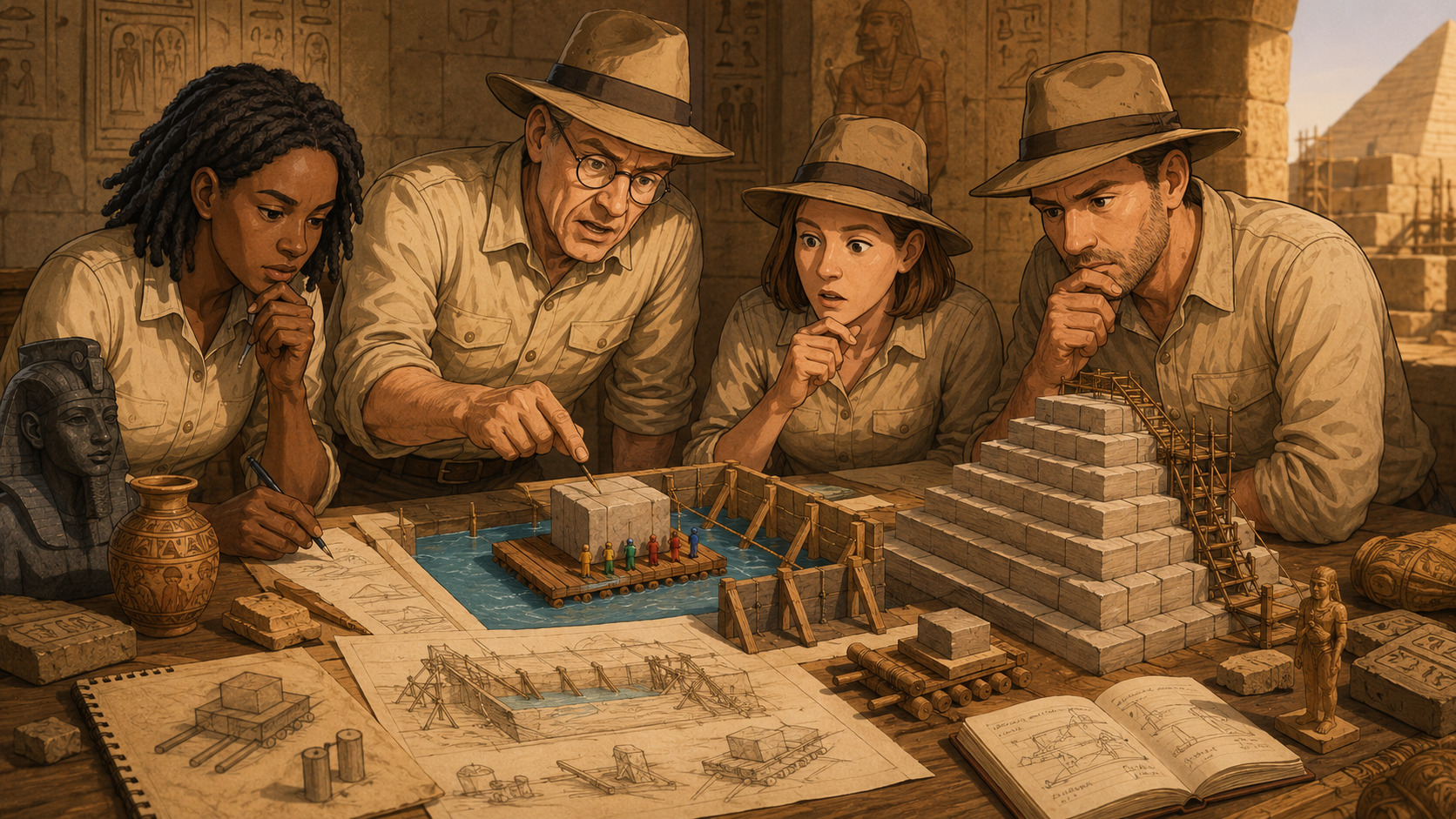
Since my last Egyptology vibe coding it has been an AI Decade (one human year). How have the AI tools advanced?
Quick refresher: I want a browser 3D animation to describe my personal pet theory on how Egyptians lifted heavy stones into place.
Here is a quick comparison of the changes:
| Property | 2025 | 2026 | Notes |
|---|---|---|---|
| Manual Split into Phases? | Required | All Phases Handled | 2026 even had a walkthrough “Next step” button |
| Human Figurines | Basic cylinder with sphere | Head, torso, arms | The basic humans could still be better |
| 3D Visual Labels | Often did not work | Worked | There is still room for improvement for the labels |
| 3D Details | Rudimentary | Beneficial | Buttresses, sand colouring, wood colouring, stone style texture, camera movement, mouse drag/pan, mouse-wheel zoom |
| Totally Black Screens | Often happened, often consecutively | Only Claude, and then only at the start of the session | |
| Planning | Only what POH input | Added extra sensible steps | Google Gemini specced out the instructions well for the downstream LLMs to implement. |
| Session Length | Four or five steps before memsliding | Many steps and refinements |
2025 – How it was
The first article is Vibe Coding My Way to Egyptology – 2025-05. Claude Sonnet 3.4, ChatGPT o3 pro.
Big items: in 2025 the whole presentation needed to be split up manually. Because of limitation of the 2025 AI tools I had to break the process into two distinct phases. Phase 1 was rolling the load onto a raft, the second phase was building an enclosure, filling the enclosure with water and the load rising. Each phase had to be generated separately then stitched together in an enclosing document. so all the AI could handle was rolling the load onto a raft. lifting the raft in a pool.
Humans were just cylinders with spheres, no matter how much I asked for humanoid shapes
Labels work
2025 had frequent ‘black screens’ where asked for a change and got a black screen instead with no understanding of what was wrong. Either the tool fixed the black screen problem itself or
2025 example (one phase only shown):
Below is a blast from the past. It is one of two phases, but shows the limits of what the ChatGPT o3 pro tool was producing
Try it for yourself. Click ‘Begin Animation’ in the frame below. The Heavy Load (Stone) will roll onto the Raft. 100% Vibe Coded. See how it was made below.
2026
In 2026 now all the phases can be included in one presentation with a progression “Next Step” walkthrough button. No need for separate phases.
The humans look more human. They have arms and torsos. Their heads are human coloured.
The raft has buoyancy, a nice touch. The AI decided to add buttressing and scaffolding a good addition. The tools trivially added mouse controlled zooming and panning.
Overall look and feel. Claude made the scene look nice without explicit prompting. ChatGPT did so when requested. The specifications created from Gemini Pro asked for only rudimentary presentation, so ChatGPT more closely followed what it was requested.
ChatGPT 5.5 2026
Try it for yourself. Click ‘Next Step’ in the frame below. You can move around the 3D scene with your mouse and mouse wheel (zoom)
Claude Opus 4.8 2026
Try it for yourself. Click ‘Next Step’ in the frame below. You can move around the 3D scene with your mouse and mouse wheel (zoom)
Conclusion
The capabilities in 2026 are vastly improved on the same time in 2025. The presentation does not have to be split into parts by hand. There is greater detail. The humans look better. The planning understands the task better and made better instructions for the worker LLMs. It is now possible to make a stream of refinements. Will we see the same pace of advancements over the next twelve months?