Table of Contents
- Overview
- The Source Image
- The Qwen Resulting Separations/Layers
- The POH Separations Created Manually
Overview
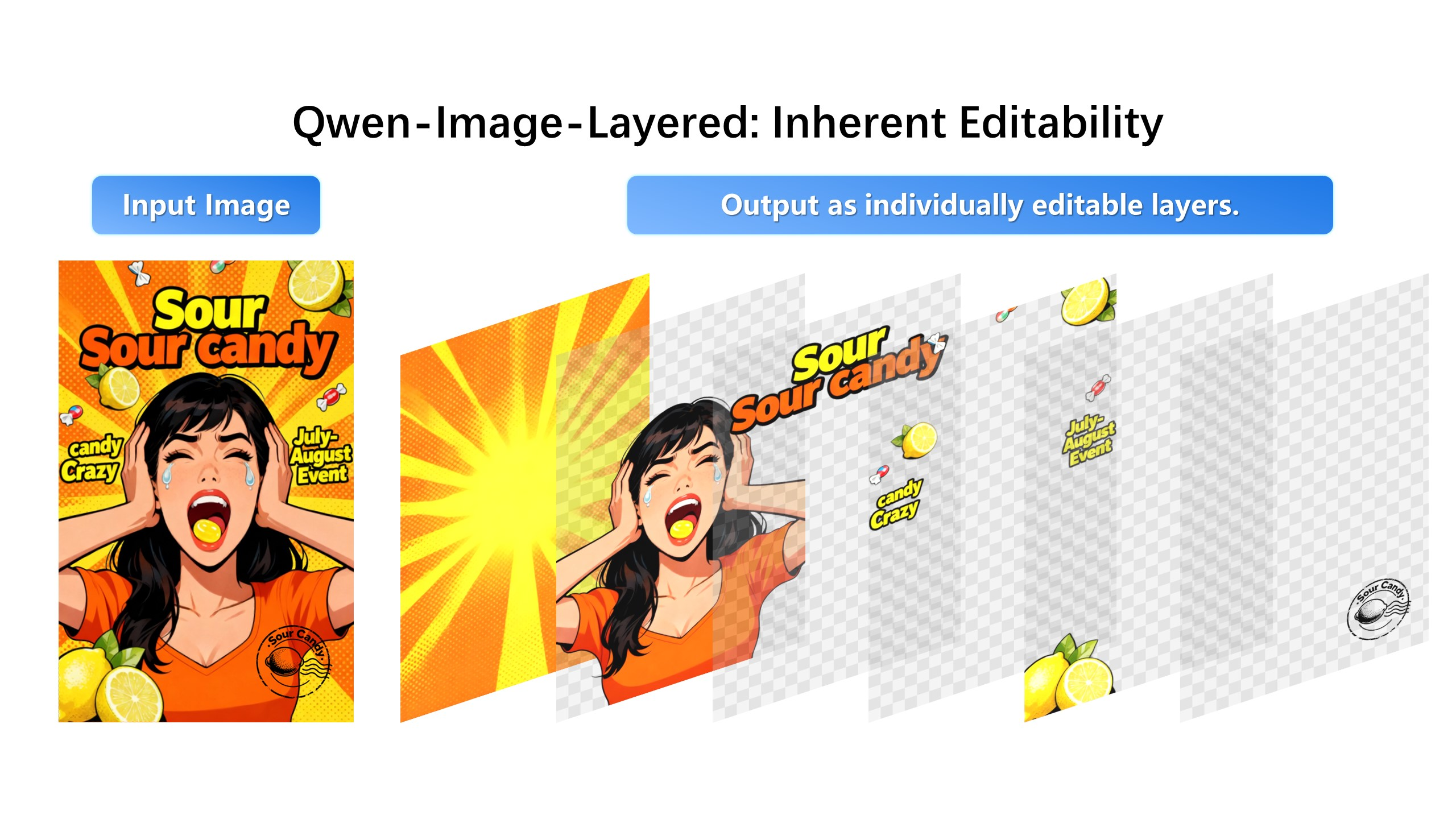
Qwen-Image-Layered is an AI tool which is given an image and splits out layers from that image. Qwen wrote a very clear and simple guide to the tool. I won’t repeat everything in that article, I will post one of their images here so you have a quick understanding
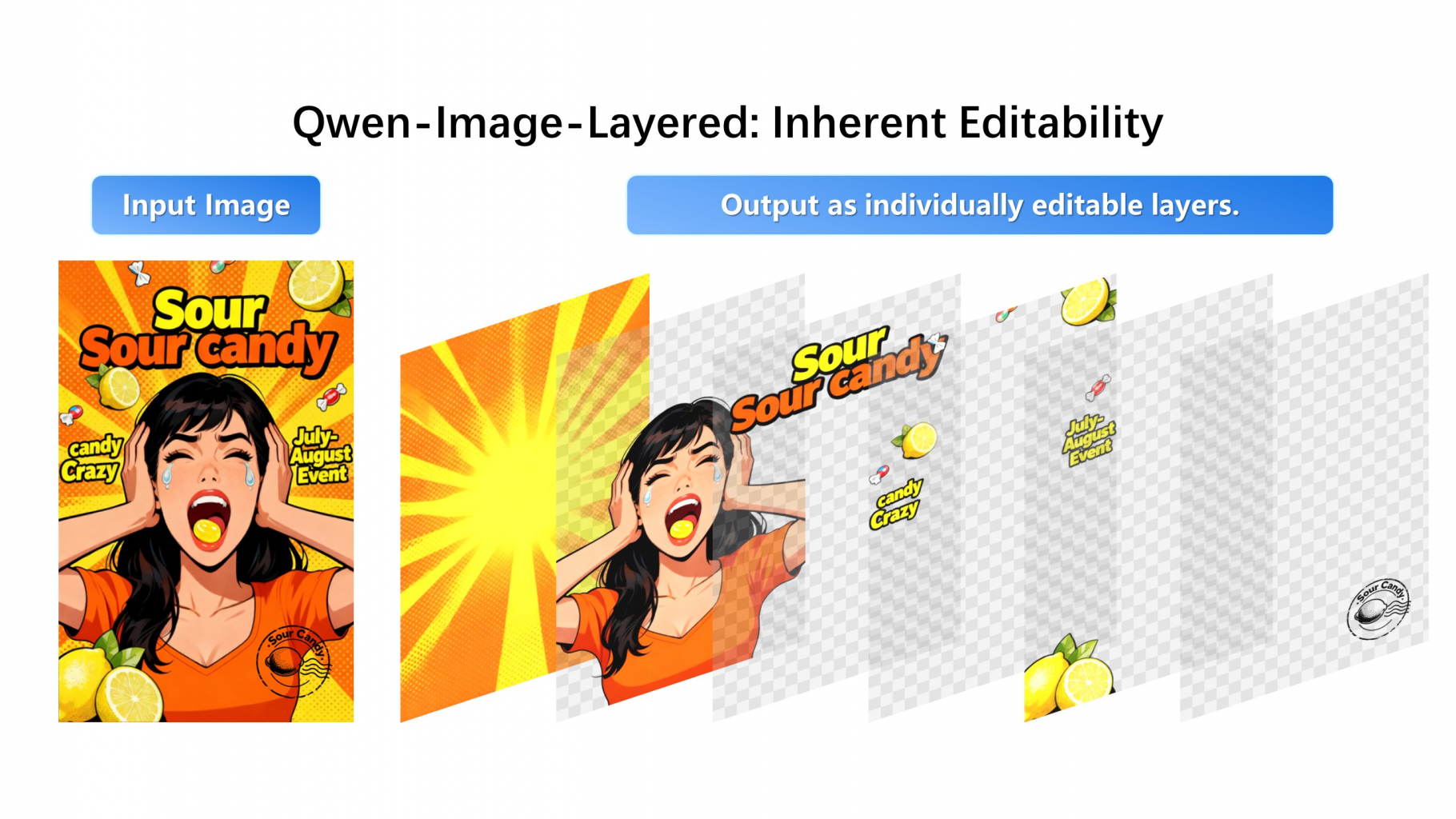
Originally from https://qwen.ai/blog?id=qwen-image-layered
Qwen want the tool to split out the layers into separations (phase 1). They also want the tool to then make changes to those separations (phase 2) and recombine them (phase 3). In this article I will be checking the first phase: how well does it split the input image into separations/layers. On top of this I will be checking if the tools have other use cases or if it only for posters of humans holding objects.
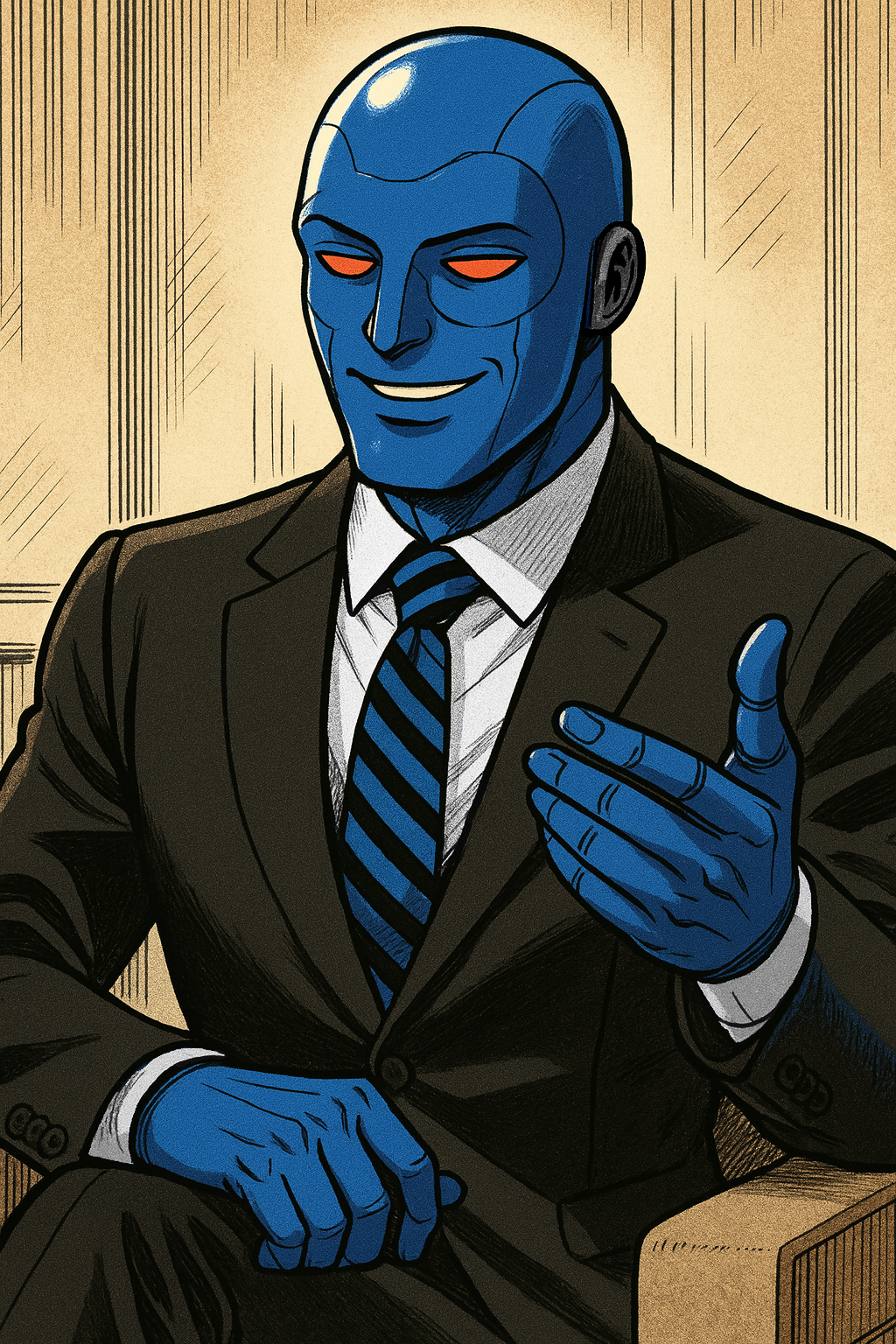
My particular use case is video game art. I make video games and my most recent game Boss Battle has a large amount of Human Art (POH) and now some small amount of Generative AI art. I used the Generative AI tools to make some illustrations of the game bosses in a Manga style. I needed to take these boss illustrations and make separations so I could palette swap the illustrations to give more boss combinations.
The Source Image
This is an illustration from my video game. I wanted to
The Qwen Resulting Separations/Layers
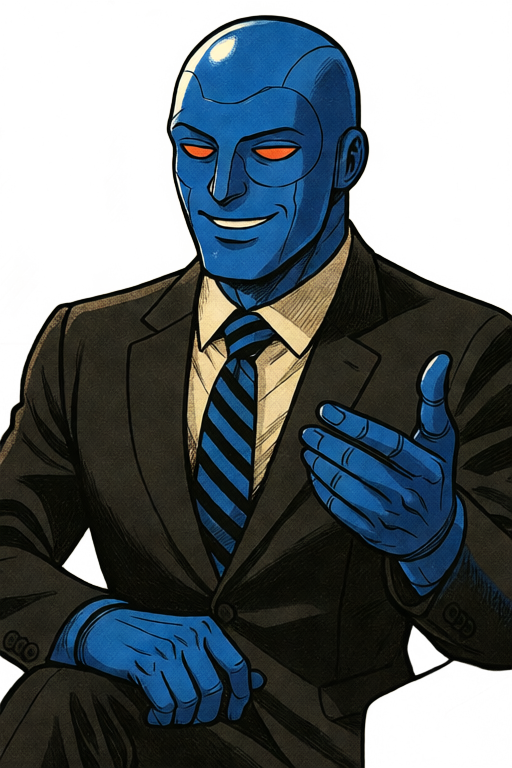
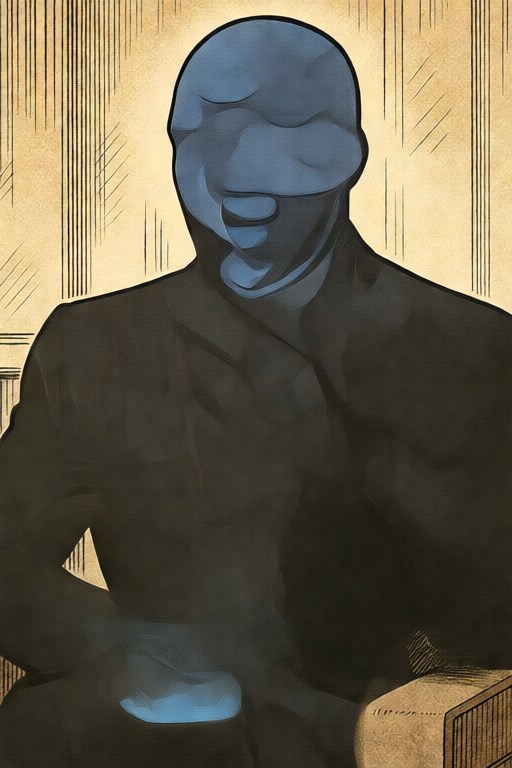
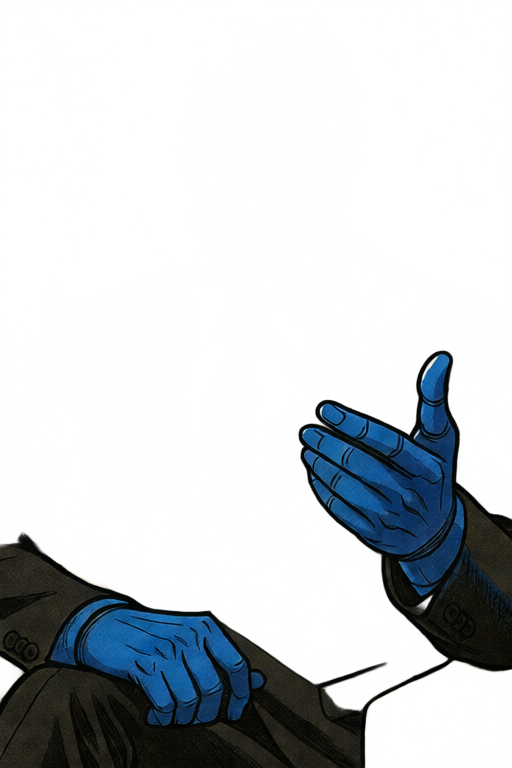
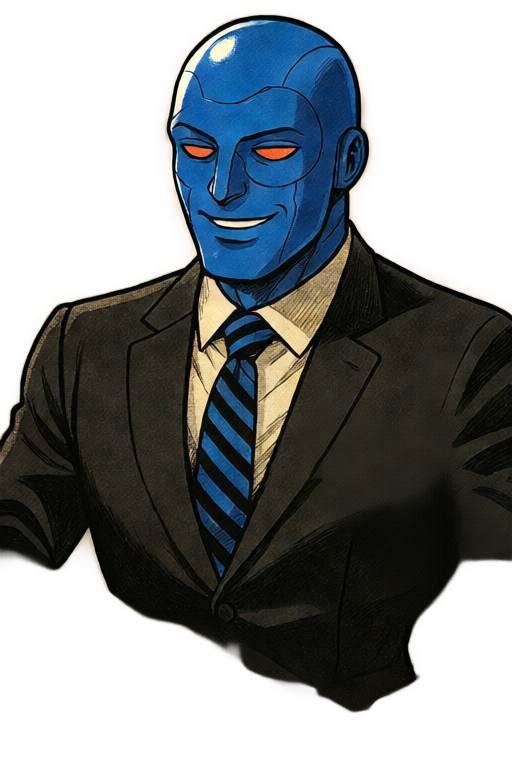
I used the excellent Hugging Face implementation by tariqshams Qwen-image-layered-to-image-edit-pipeline
The POH Separations Created Manually
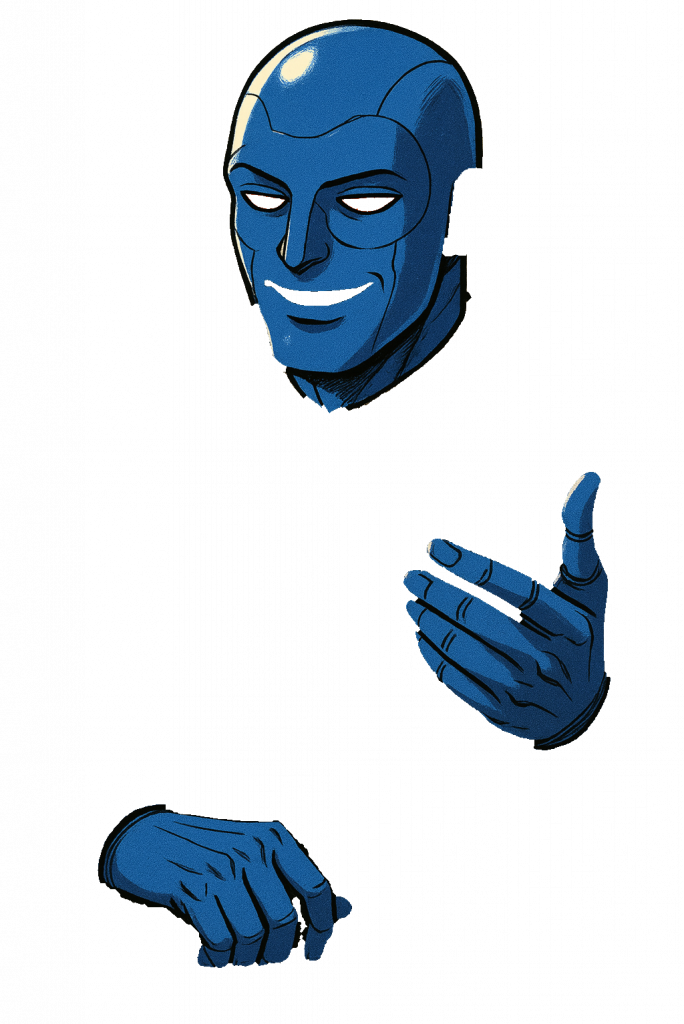
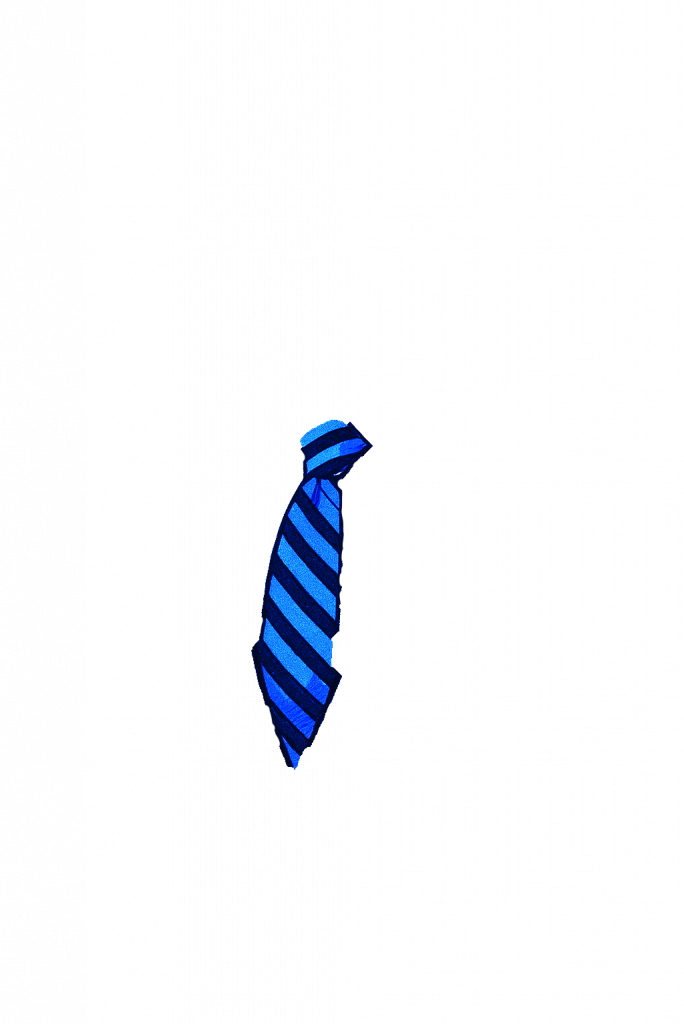
Now for the separations I created for my game art manually using Affinity Photo. I needed skin tones (head and hands) and the neck tie